
本篇文章给大家带来的内容是关于微信小程序实例:详情页静态页面搭建的方法介绍 ,有一定的参考价值,有需要的朋友可以参考一下,希望对你有所帮助。
pages目录下新建目录detail,里面新建页面detail:  /* pages/detail/detail.wxss */.detailContainer { display: flex; flex-direction: column; }.headImg{ width:100%; height:460rpx; }.avatar_date{ padding: 10rpx; }.avatar_date image{ width: 64rpx; height: 64rpx; vertical-align: middle; }.avatar_date text{ font-size: 32rpx; margin-left: 10rpx; }.company{ font-size: 38rpx; font-weight: bold; margin-left: 10rpx; }.collection_share_container{ position: relative; }.collection_share{ float: right; margin-right: 50rpx; }.collection_share image{ width: 90rpx; height: 90rpx; margin-right: 20rpx; }.line{ width: 90%; height: 2rpx; background: rgb(226, 19, 19); top: 45rpx; left: 5%; position: absolute; z-index: -1; }button{ width: 280rpx; height: 80rpx; }.content{ font-size: 32rpx; text-indent: 64rpx; margin: 50rpx 0; }
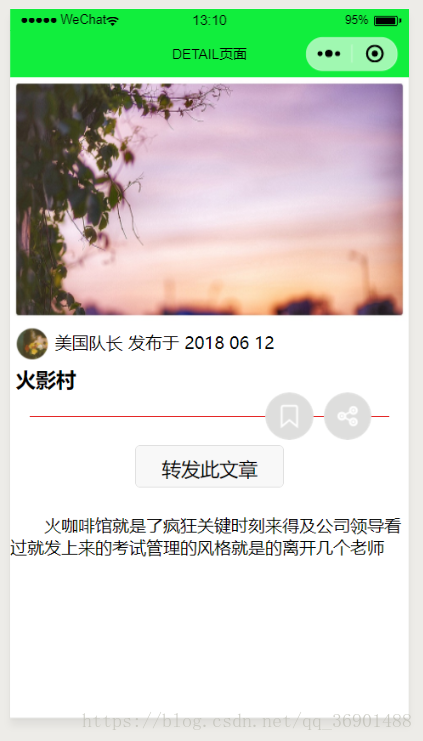
效果图如下:
相关推荐:
微信小程序案例详解:页面搭建
微信小程序开发-创建欢迎页面


